Free SEO audits that show you exactly what to fix
Paste any URL. Page Behavior tests the page for on-page and technical SEO issues, puts the biggest problems first and explains every fix in plain language.

Paste a URL.
Any public page, a sitemap, a list of URLs or raw HTML.Get your report.
A score and every issue, sorted by impact.Fix and re-check.
Follow the advice, then audit again to confirm.
One page, a sitemap or a list of URLs
Start with the page you care about most, then widen the net when you're ready.

See whether your fixes are working
Each audit is kept in your history, so you can compare today's score with last month's.

Every check comes with the why and the fix
No wall of red warnings. You get a score, the issues that matter most and a clear next step for each one.


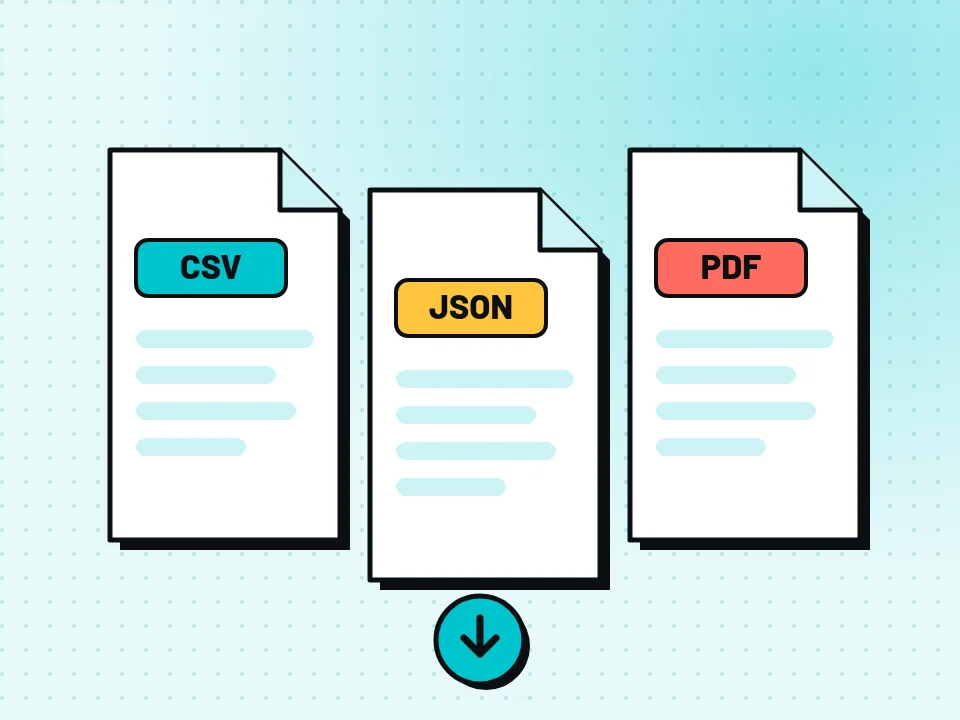

40 SEO checks in every audit
64 free website tools
Quick checks for DNS, SSL, redirects, headers, HTTP/2, compression and more. No account needed.
Find A, AAAA, CNAME, MX, NS, TXT, SOA DNS records of a host.
Get approximate IP details.
Get all possible details about an SSL certificate.
Get all possible details about a domain name.
Website status checker.
Extract all the text of a website from the source code of the page.
Verify the time to first byte of any website.
Check the total size of a web page, including all resources, for performance analysis.
Fetch and check every meta tag on any web page.
Get the web-host of a given website.
Get all the HTTP headers that an URL returns for a typical GET request.
Check whether a website is using the new HTTP/2 protocol or not.
Check for 301 & 302 redirects of a specific URL. It will check for up to 10 redirects.
Take an IP and try to look for the domain/host associated with it.
Check whether a website is using the Brotli Compression algorithm or not.
Analyze the ratio of text content to HTML code for SEO and performance optimization.
Checks if a webpage is set to noindex, preventing it from appearing in search engines.
Check the status code returned by a website for a generated missing page.
Check if a website has a robots.txt file and review its sitemap and disallow rules.
Extract and review all H1-H6 headings from a webpage.
Check if a webpage has a canonical tag and view its canonical URL.
Find JSON-LD schema markup on a webpage and check whether its JSON can be parsed.
Checks if images have alt attributes for accessibility and SEO.
Detects outdated HTML tags that should be replaced with modern alternatives.
Check if a website has HTTP Strict Transport Security (HSTS) enabled.
Check if your server signature is present in your website's header response.
Check if a website has a valid favicon and if it is correctly linked in the HTML.
Check if the URL is banned and marked as safe/unsafe by Google.
Check if images on a webpage have the lazy loading attribute enabled for performance optimization.
Get the title tag and its character count from a webpage.
Get the meta description and its character count from a webpage.
Get the HTML language attribute from a webpage.
Check if a webpage uses a meta refresh redirect or reload.
Count the total number of HTML elements in a webpage.
Check if a webpage has a meta viewport tag for mobile devices.
Check if a webpage declares its character encoding.
Check if a website response uses gzip, Brotli, or another compression algorithm.
Check if a webpage has an HTML doctype declaration.
Find social media profile links on a webpage.
Count the words contained in the visible content of a webpage.
Find the most frequently used words and their density on a webpage.
Find plaintext email addresses exposed in a webpage source.
Find HTML elements that use inline CSS styles.
Find webpage images and display their file formats.
Display the path and structural characteristics of a URL.
Find forms on HTTPS webpages that submit data to insecure HTTP URLs.
Find external links missing noopener or noreferrer attributes.
Find JavaScript tags and display their defer and async attributes.
Count the resources requested by a webpage.
Find all internal links on a webpage.
Find all external links on a webpage.
Check if a website returns a Content-Security-Policy header.
Find and validate the SPF record of a domain.
Check if a website returns a Referrer-Policy header and display its value.
Parse a sitemap and extract all discovered URLs.
Find insecure HTTP resources referenced by an HTTPS webpage.
Enter your website URL and you will get an instant preview of how it would look when finding it on Google.
Enter your website URL and you will get an instant preview of how it would look when finding it on Bing.
Enter your website URL and you will get an instant preview of how it would look when finding it on Yandex.
Enter your website URL and you will get an instant preview of how it would look when finding it on Yahoo.
Enter your website URL to preview how your pages appear when shared on social media platforms like Facebook and X (Twitter).
Minify your HTML by removing all the unnecessary characters.
Minify your CSS by removing all the unnecessary characters.
Minify your JS by removing all the unnecessary characters.
Hear about changes where you already work
Get re-audit results by email, Slack, Discord, Telegram, Microsoft Teams or webhook.
Questions, answered
Free, for real.
No paid tiers, trials or card details.Explained simply.
Written for people, not just SEO experts.Your data, your call.
Export or delete it whenever you like.What is your page telling search engines?
Find out in seconds. Create a free account to save your audits and track your progress.
Latest from the blog
Crawled - Currently Not Indexed: How to Fix It
Crawled - currently not indexed in Search Console? Learn what it means, which pages to fix first and the steps that help Google index them.

Duplicate Without User-Selected Canonical: How to Fix
Seeing “Duplicate without user-selected canonical” in Search Console? Learn what it means, when to ignore it and how to fix it, step by step.