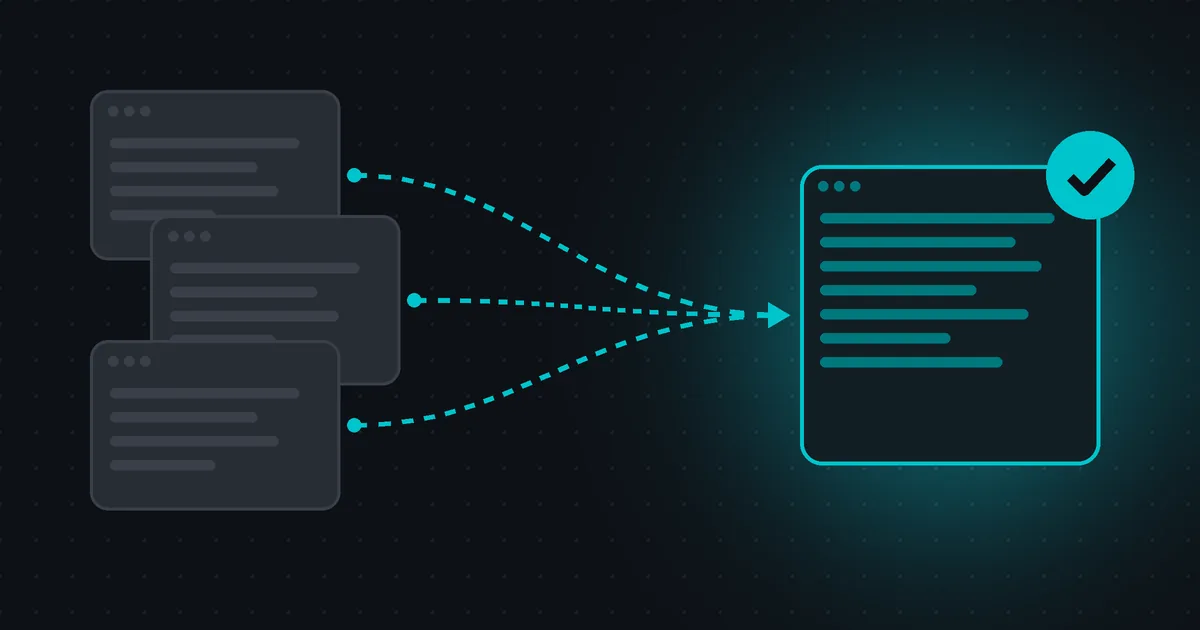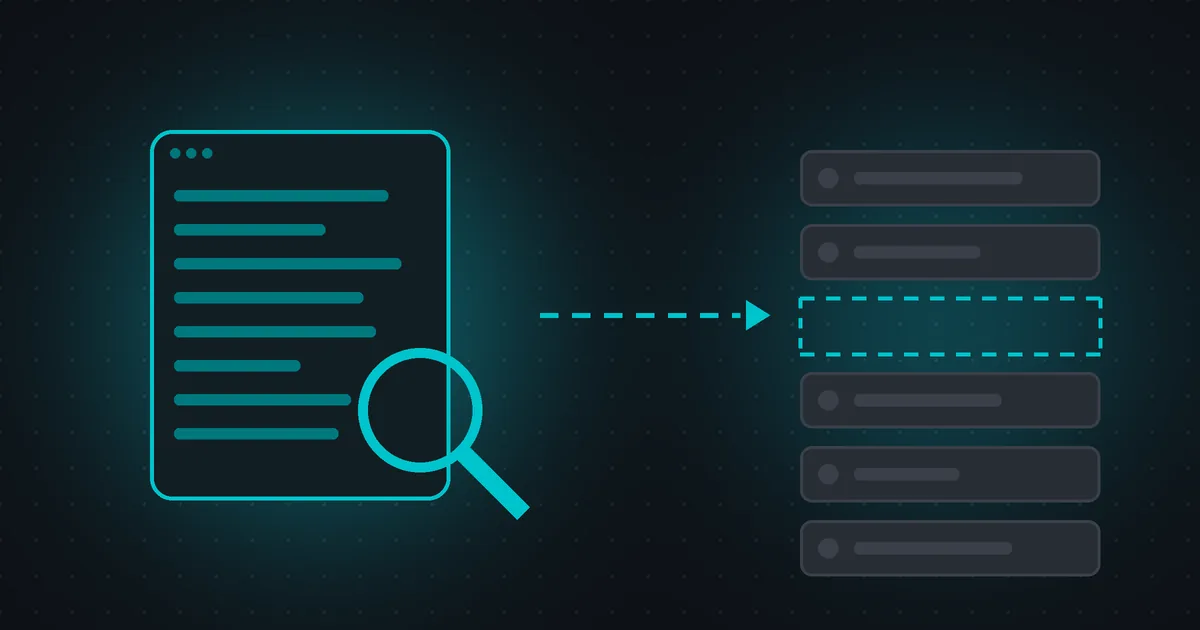
Quick answer: "Crawled - currently not indexed" means Googlebot visited the page but Google decided not to add it to its index, at least for now. It is not a penalty and not a technical error. Google's own wording is that the page "may or may not be indexed in the future; no need to resubmit this URL for crawling." Fix it only for pages that matter. Confirm the page returns 200 and has no noindex, make the content clearly useful and different from your other pages, link to it from strong pages on your site, list it in your sitemap, then give Google time.
What crawled - currently not indexed means
You see this status in the Page indexing report in Google Search Console, under Why pages aren't indexed. It tells you two things:
- Crawled: Google found the URL and fetched it. Access is not the problem.
- Currently not indexed: after looking at the page, Google chose not to store it in the index, so it can't appear in search results.
Google does not promise to index every page it crawls. Its documentation says plainly that Google doesn't guarantee that all pages everywhere will make it into the index, and that requesting a crawl doesn't guarantee inclusion "instantly or even at all." Google adds that its systems "prioritize the fast inclusion of high quality, useful content." That sentence is the best clue to how this status gets fixed.
Is it a problem for your site?
Often it isn't. Google's help center notes that most sites have at least a few unindexed pages, and that your goal is to get your important pages indexed, not every URL. Open the list of example URLs and sort them into two groups:
- Pages you don't need in search: internal search results, thin tag or archive pages, feeds, old campaign pages, near-empty profile pages. Leaving these out of the index is fine. You can ignore them, merge them, or add
noindexif you'd rather keep them out on purpose. - Pages you do need in search: product, service, location and category pages, guides and blog posts. These are worth fixing, starting with the ones that matter most to your business.
Tip for small sites: Google suggests that if you have fewer than 500 pages, you may not need this report at all. A quick site:example.com/your-page search or the URL Inspection tool tells you if a key page is indexed.
Why Google crawls a page but doesn't index it
Google doesn't list the exact reason for each URL. In practice, these causes come up again and again:
- Thin or low-value content: a short page that adds little beyond what is already on your site or elsewhere.
- Near-duplicate pages: templates where only a city name, color or product code changes.
- Weak internal linking: the page is only reachable from the sitemap or from one buried link, so it looks unimportant.
- Pages that look empty: "no results" pages, out-of-stock pages with no information, or content that only appears after JavaScript runs and doesn't render well for Google.
- A new page or site: Google says it can take a few days for new content to be indexed. Some pages simply move on after another crawl.
How to fix it, step by step
1. Check the current status first
The report can lag behind your site. Paste the URL into the URL Inspection tool and look at the last crawl date. If the page is already indexed, you're done. If not, click Test live URL and then View tested page to see the HTML and screenshot Google gets. If your main content is missing from that view, fix the rendering before anything else.
2. Decide what each page deserves
For every affected URL, pick one action: improve it (it deserves to rank), merge it into a stronger page and 301-redirect the old URL, or leave it out (noindex or remove it). Clearing out pages you don't need makes it easier for the pages you care about to stand out.
3. Rule out technical blockers
"Crawled" means Google could reach the page, but confirm the basics anyway. The page should return a 200 status code, have a self-referencing canonical tag, and carry no noindex in the HTML or in the HTTP headers:
<!-- In the HTML <head> -->
<meta name="robots" content="noindex">

# In the HTTP response headers
X-Robots-Tag: noindex
Run the page through our free noindex checker to see both in seconds. A stray noindex left over from a staging site is one of the easiest wins in SEO.
4. Make the content clearly worth indexing
This is the step that matters most for this status. Read the page as a searcher would, then ask:
- Does it fully answer the question someone typed into Google, with specific details, examples or steps?
- Is it different from your other pages, or does it repeat the same text with a new heading?
- Does it have a clear title, a descriptive H1 and logical H2 sections?
- Would a visitor trust it? Show who wrote it, when it was updated and where facts come from.
Adding words is not the goal. A focused 600-word page that answers one question well beats a padded 2,000-word one. For near-duplicate templates, add the information that truly differs (local details, specifications, photos, FAQs) or consolidate the variants into one page.
5. Link to the page from pages Google already values
Internal links help Google find a page and understand that it matters. Add a contextual link from a relevant, indexed page (your homepage, a category page or a popular guide), with anchor text that describes the destination. Use the internal links checker to see how many links a page sends and to find pages with very few links.
6. Keep your sitemap clean
List only canonical, indexable URLs that return 200, and keep lastmod accurate, so it changes only when the content really changes:
<url>
  <loc>https://example.com/guides/green-dresses</loc>
  <lastmod>2026-11-03</lastmod>
</url>
A sitemap full of redirects, 404s and parameter URLs sends mixed signals. Check yours with the sitemap checker.
7. Request indexing once, then be patient
After a real improvement, use Request indexing in the URL Inspection tool for your most important pages. Google notes that there is a quota for individual requests and that requesting a recrawl several times for the same URL won't get it crawled any faster. For many URLs, submit a sitemap instead. Crawling can take anywhere from a few days to a few weeks.
Crawled vs. discovered - currently not indexed
The two statuses sound alike but point to different problems. Crawled - currently not indexed means Google fetched the page and chose not to index it, which usually points to content and value. Discovered - currently not indexed means Google knows the URL but hasn't crawled it yet. Google explains that it typically wanted to crawl the URL but expected this to overload the site, so it rescheduled the crawl. Discovered pages usually call for better server speed, fewer low-value URLs and stronger internal linking.
Mistakes to avoid
- Clicking Request indexing again and again without changing the page.
- Blocking low-value pages in
robots.txt. That stops crawling, not indexing, and hides anynoindextag from Google. - Padding pages with generic or auto-generated text to make them longer.
- Creating many near-identical pages for every keyword or city variation.
- Expecting 100% of URLs indexed. Focus on the pages that bring visitors and customers.
Audit your pages for free with Page Behavior
Pages that Google skips often share fixable on-page problems: a weak title, a missing meta description, a messy heading structure, thin text, few internal links, slow loading or a forgotten noindex. A Page Behavior audit checks all of these and explains each fix in plain language, with the biggest problems first.
Start with the page you want indexed most: run a free SEO audit, no account needed.
Create your free Page Behavior account to save audits and schedule re-audits so you catch regressions early. No credit card, no trial, no catch.
FAQ
Is crawled - currently not indexed a penalty?
No. It is not a manual action and not an error. Google crawled the page and decided not to index it for now. Manual actions appear in a separate report in Search Console.
How long does it take for a page to get indexed after I fix it?
There is no fixed time. Google says crawling can take from a few days to a few weeks after you request it, and that a request does not guarantee indexing. Improve the page, request indexing once, and check the URL Inspection tool again later.
Should I delete pages that are crawled but not indexed?
Only if they have no value to visitors. If a page has useful content, improve or merge it instead. If it is truly useless, removing it (or adding noindex) helps keep your site focused on pages that deserve to rank.
Can a page drop back into this status after being indexed?
Yes. Indexing is not permanent. Google recrawls pages over time, and a page can drop out of the index if Google reevaluates it. Keeping important pages updated, well linked and useful is the best protection.
Do I need to validate the fix in Search Console?
You can, but you don't have to. Google updates the report as it recrawls your pages. Validation mainly helps you track progress across many URLs at once.
Sources: Google Search Console Help, Page indexing report; Google Search Central, Ask Google to recrawl your URLs.